Tally · upgrading
Your data comes across. That is the part people are worried about.
Your data comes across. Your TDL customisations have to be recompiled.
- Your vouchers
- Come across
- Your licence
- Activates TallyPrimeAn ERP 9 licence is not written off
- TDL customisations
- Have to be recompiled
- Cost, TSS current
- Nothing extra
What happens to your data
TallyPrime opens a Tally.ERP 9 company and migrates it. The vouchers, the masters and the closing balances are the same on the other side, and every entry you have ever passed is where you left it.
The company file is migrated, not replaced in place. That is why the backup below matters, and why an upgrade is reversible right up until somebody starts entering into the new one.
What changes
The menu structure and the keyboard shortcuts are different enough that a data entry operator of fifteen years will be slower for a fortnight and will not enjoy it. That is the real cost of this upgrade, and it is worth planning for instead of discovering.
Do not schedule it for the last week of a quarter. An hour with the people who use it every day, on your own company data, removes most of the fortnight.
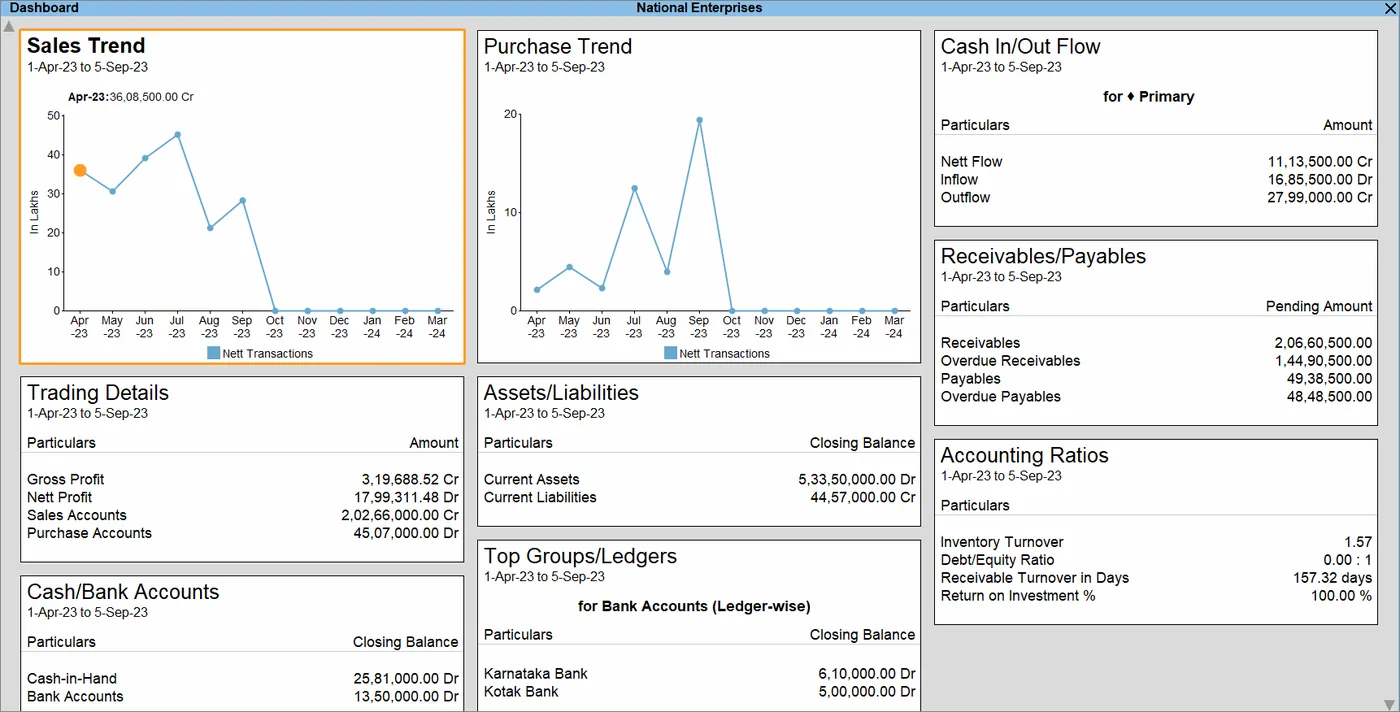
TDL customisations
If you have TDL customisations running on Tally.ERP 9, they do not automatically come across. They have to be recompiled for TallyPrime, which is work.
Being specific, because "it might need a change" is not useful. Most add-ons survive an ordinary release untouched. Some need recompiling. A few, the ones reaching into an area Tally has redesigned, need real work. Tally.ERP 9 to TallyPrime is the big one, and it generally does require the TDL to be rebuilt.
We do not promise that a customisation will never need attention after an upgrade. Anybody who does either has not written much TDL or is not planning to be there when it happens.
The customisation page covers what a TDL add-on is and what rebuilding one involves.
The order to do it in
Five steps. The backup is unglamorous and the only one here that cannot be undone. If your TSS lapsed, step two is a renewal question first; the TSS page has the arithmetic.
- Back upOutside Tally, on a different machine
- Check your TSSCurrent: the upgrade costs nothing extra
- List customisationsEvery TDL, and who wrote it
- Test on a copyNever on the live company
- Migrate, run bothThe old company file is still there
What it costs
If your licence is on Tally.ERP 9 and your TSS has been current, the upgrade to TallyPrimedoes not cost anything extra. The licence you hold activates TallyPrime; an old licence is not written off when you upgrade.
If your TSS lapsed years ago, that is the first conversation and it is a renewal question and not an upgrade question. Recompiling customisations is quoted separately, because the work depends entirely on what they do.
Questions
Does my old Tally licence still work?
Yes. A perpetual TallyPrime licence does not expire, and a Tally.ERP 9 licence can be used to activate TallyPrime, so an old licence is not written off when you upgrade.
What may have lapsed is your TSS, which is a separate annual subscription and is what actually stops working. That is the more common version of this question, andthe TSS page lists exactly what stops.
Can we stay on Tally.ERP 9?
It keeps running. What you lose over time is statutory currency. The formats and rules that change every year arrive as TallyPrime releases, so staying put eventually means doing by hand what the software would have done.
Reporting is not the reason to move: Tally.ERP 9 exposes its data over ODBC and XML too, so a reporting layer works against it without upgrading first.
Talk to us
Call +91 161 5044 180 with your release number and a list of anything customised. We will tell you whether this is an afternoon or a project, and which of the two it is before you book a date, not after.
Tell us what breaks at month-end.
One call, your real books, no slide deck. You leave knowing what to fix first.
- Hours
- Mon-Sat, 10am-6pm IST
- Office
- Frontier Tower, 180, GT RoadMiller GanjLudhiana, Punjab
Thanks, we have it.
Your enquiry is with us. We reply within one working day, on the phone number or email you gave.